Barmouth – OS Wallpaper Download April 2026
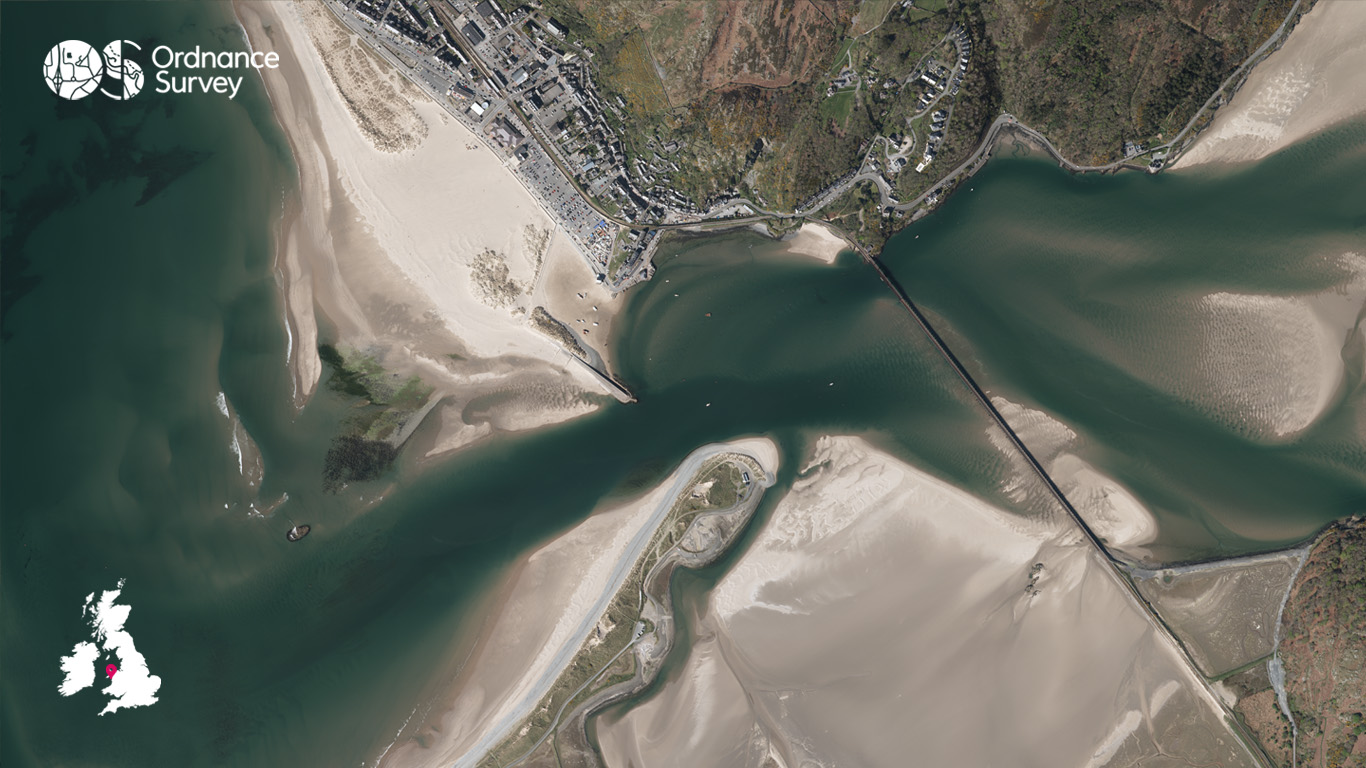
This month we continue with our aerial photography series and to tie in with the new release of our Outstanding Walks Wales/Cymru guidebook, our flying team have selected an aerial image of Barmouth and the Grade II* listed Barmouth Bridge.
Barmouth is a seaside town in the north‑west of Wales, lying on the estuary of the Afon Mawddach and the sweeping coastline of Cardigan Bay. It’s an exciting base for outdoor exploration, offering spectacular coastal and mountain scenery in every direction.
The area is ideal for walking and cycling, with access to the famous Mawddach Trail, while the sheltered estuary and open bay provide excellent conditions for kayaking, paddleboarding, and sea swimming.
With Eryri (Snowdonia) National Park just a short distance away, Barmouth is perfectly placed for those looking to combine coastal adventure with more challenging mountain escapes.
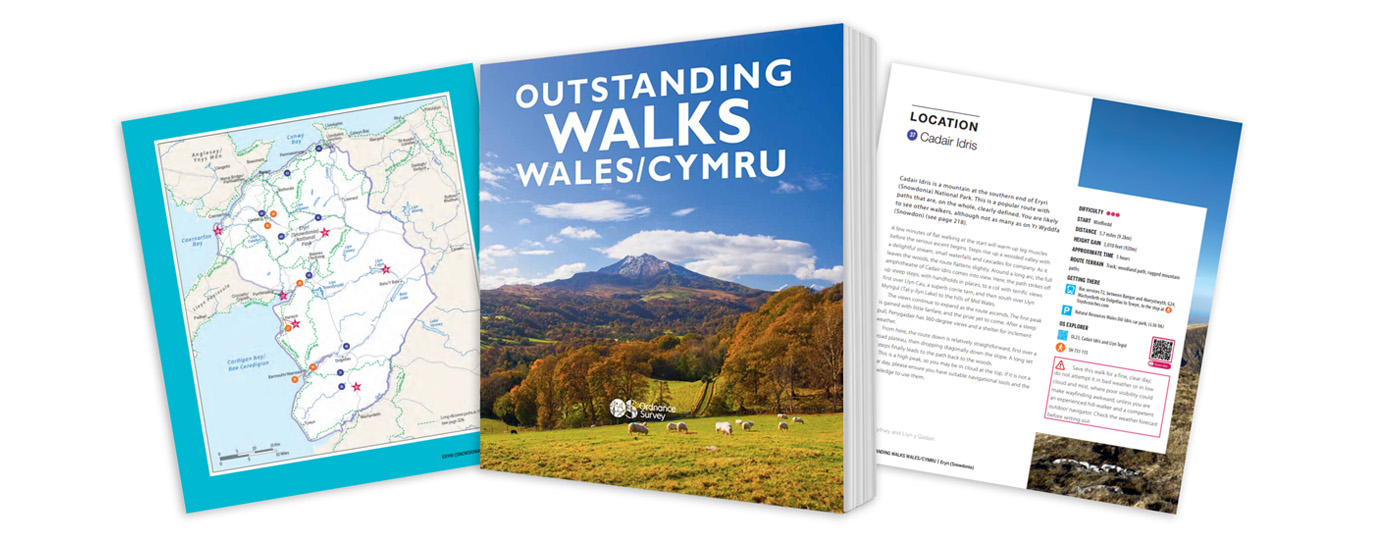
Outstanding Walks Wales/Cymru guidebook
If you’re looking to explore beyond Barmouth and find more of what Wales has to offer, our new Outstanding Walks Wales/Cymru guidebook is an excellent source of inspiration.
The beautifully produced guidebook brings together 60 hand‑picked walks showcasing the very best of the Welsh landscape, from gentle coastal strolls to challenging full‑day mountain hikes. The collection includes 26 short walks, 23 half‑day routes and 11 full‑day adventures, making it suitable for a wide range of abilities and ambitions.
Covering iconic destinations such as Eryri (Snowdonia), national parks, UNESCO World Heritage Sites and lesser‑known hidden gems, the book is packed with inspiration.
Alongside the walks, you’ll find 48 ‘Don’t Miss’ sites and 42 picture‑perfect locations, brought to life with stunning photography and thoughtful storytelling.
Each route includes clear mapping and practical guidance, with QR codes linking directly to OS Maps, plus a free three‑month OS Maps subscription to help you navigate confidently on the trail
To have a peak inside the guide and pick up your own copy, head to the official Ordnance Survey Shop.
EXPLORE THE
OS Shop
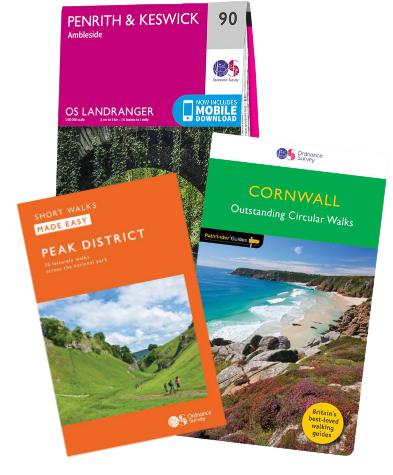
We are with you every step of the way. Shop our trusted walking and hiking maps and guidebooks so you can explore the outdoors with confidence.
Go to the shopContribute to Discover!
We’re hoping to bring many more contributors to Discover from our own OS Champions but also any of our fans who have interesting routes, pictures and stories of their adventures to share. If you’re interested in writing for us or sharing an adventure with a OS Maps Route then please read this guide – write for Discover.
If you have an image you think we could for the next OS Wallpaper join our Facebook Group and share it with us! Just tell us where the image was taken and when.
Free Download: Desktop & Mobile OS Wallpaper Background
2560 x 1440 (also for 2048 x 1152 | 1920 x 1080 | 1600 x 900 | 1536 x 864 | 1366 x 768 |1280 x 720, plus Teams and Zoom)
1920 x 1200 (also for 1680 x 1050 | 1440 x 900 | 1280 x 800)
1366 x 768
1024 x 768 (also for iPad)
1536 x 768: For most mobile and tablet devices. For Android devices more of the image shows as you swipe between screens.
Using the downloaded wallpaper image
To save the image on a computer, right-click (or alt-click) and select ‘save target as’ or the equivalent for your browser. If you are not sure of the screen size, use the largest one.
- For most computers, right click the desktop and select ‘set wallpaper’ to change the wallpaper image.
- For iOS devices, select the image, press and hold on the image to ‘save image’, then go to Photos > Share > Set as Wallpaper.
- On Android devices, select the image, long press to ‘download image’ and then go to Wallpapers > My photos and select the image.
Did you know?
On Windows PCs you can save multiple wallpaper images to a single folder, and have your desktop background automatically change regularly by selecting that folder as the source.
You can also browse all the previous wallpapers.